
Logging in for the First Time

Welcome to PCFitment Europe! Once you’ve created your account, you can log in anytime to access your dashboard and explore all available features.
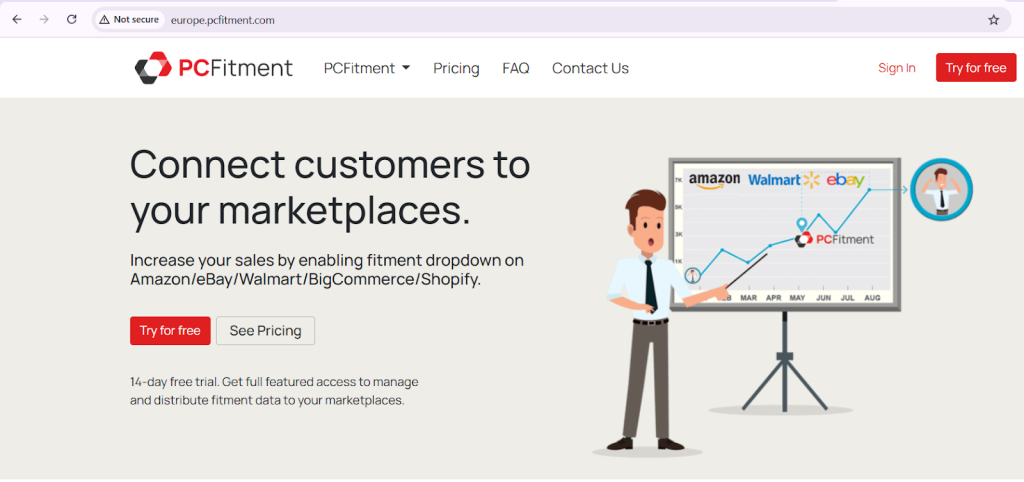
To get started, go to https://europe.pcfitment.com and click “Sign In” from the top-right corner of the homepage.
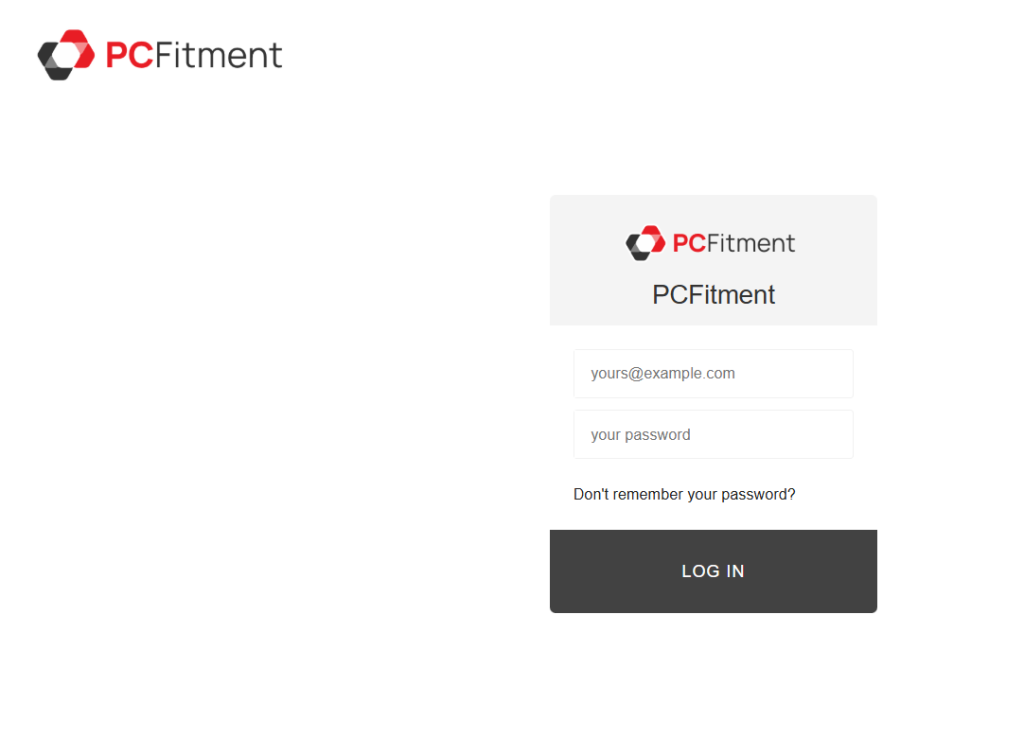
When logging in for the first time, enter the email address and password you used during registration, then click “Log In.”
Forgot Your Password?
If you can’t remember your password, simply click “Don’t remember your password?” on the login page and follow the instructions to reset it.
You’ll receive an email with a secure reset link—click it to create a new password and regain access to your account.
Note
Currently, PCFitment Europe services are available in Germany, Spain, France, the United Kingdom, Italy, and the Netherlands, with more regions coming soon!